
How to get order push notifications for woocommerce on mobile
How to Get Order Push Notifications for WooCommerce on Mobile
Never miss another order with WooCommerce notifications sent directly to your phone
Running a WooCommerce store means staying connected to every order that comes through. However, constantly checking your dashboard drains your time and energy.
That’s where WooCommerce notifications become essential. Furthermore, mobile push alerts let you respond instantly without being glued to your computer screen.
In this guide, you’ll learn exactly how to set up instant order alerts. Additionally, we’ll show you the fastest way to never miss a sale again.
Why WooCommerce Notifications Matter for Your Store
Instant Response Time
Respond to orders within minutes instead of hours. Consequently, customers feel valued and trust your store more.
Increased Revenue
Fast order processing leads to better reviews. Moreover, satisfied customers return and recommend your store to others.
Better Organization
Track every status change automatically. Therefore, nothing falls through the cracks when you manage hundreds of orders.
The Problem Most WooCommerce Store Owners Face
Sarah runs a successful jewelry store with over 50 daily orders. She used to check her WooCommerce dashboard every 30 minutes, afraid of missing urgent orders.
One day, a high-value customer placed a $2,000 order. Unfortunately, Sarah didn’t see it for 4 hours. The customer canceled because they needed it urgently for an anniversary.
This happened because Sarah had no mobile WooCommerce notifications. She was constantly stressed, tied to her computer, and still missing critical orders.
The Solution: Dukkan WooCommerce Admin App
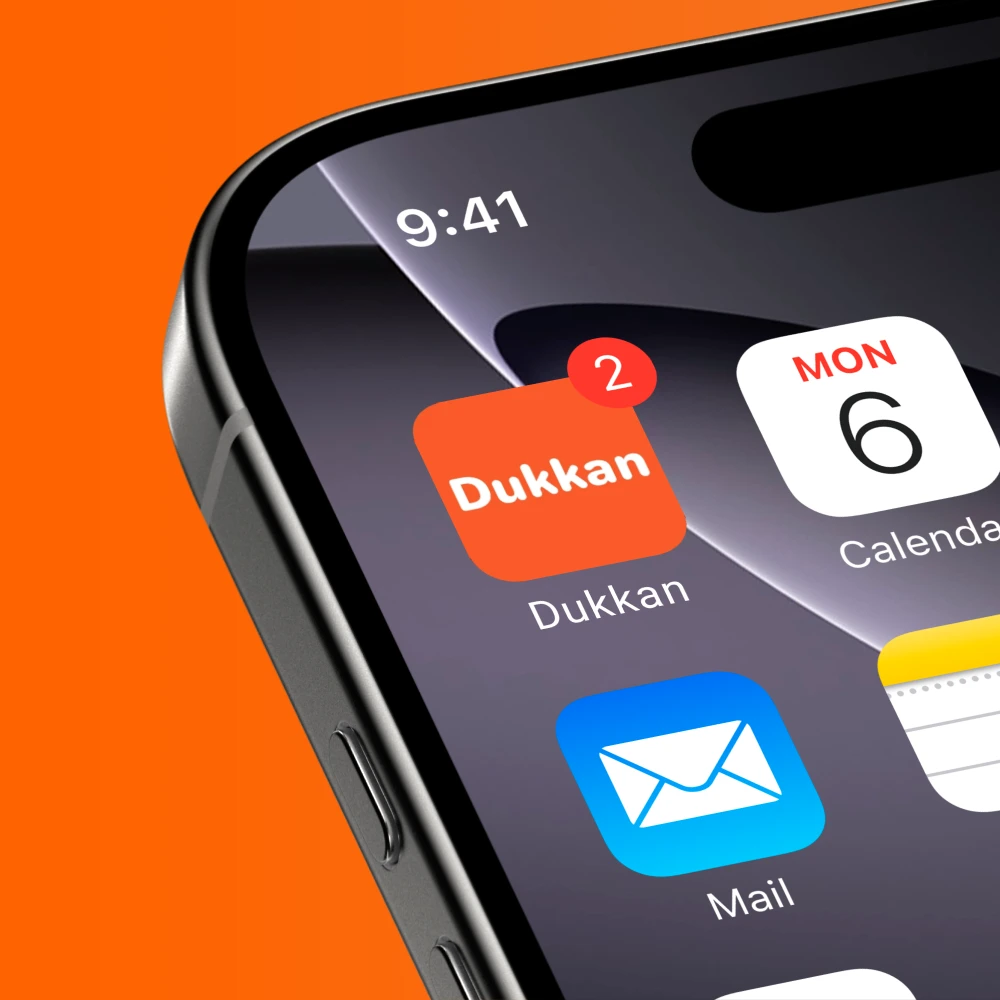
After installing the Dukkan app, everything changed. Now Sarah receives instant push notifications for every new order, directly on her iPhone and Android devices.
Moreover, she hears the satisfying “cha-ching” sound with each sale. The app also alerts her when orders move to processing, completed, or any status change.
As a result, Sarah processes orders 73% faster and never misses another high-value customer. She can even manage orders from anywhere with complete confidence.
How to Set Up WooCommerce Notifications in 3 Simple Steps
Download Dukkan WooCommerce Admin App
First, install the app from the App Store for iOS or Google Play Store for Android. The app is completely free and works with any WooCommerce store.
Additionally, the setup takes less than 2 minutes. You’ll need your store URL and admin credentials ready.
Connect Your WooCommerce Store
Next, log in using your WordPress admin account. The app securely syncs with your store and imports all your orders instantly.
Furthermore, you can manage multiple stores from one dashboard. This feature helps agencies and multi-store owners tremendously. You’ll also get access to the powerful search function to find orders instantly.
Enable Push Notifications
Finally, go to the app settings and turn on push notifications. You can customize alerts for new orders, status changes, and low stock warnings.
Moreover, you’ll hear the iconic “cha-ching” sound every time money hits your account. It’s incredibly motivating and keeps you connected to your business success.
What You Get with Dukkan App Notifications
Push Notification for Each Order
Receive instant alerts the moment a customer places an order. Never miss a sale, even when you’re away from your desk.
Order Status Change Alerts
Get notified when orders move to processing, shipping, completed, or any custom status. Track your fulfillment pipeline effortlessly.
Cha-Ching Sound Effect
Hear the satisfying cash register sound with every sale. This audio feedback keeps you motivated and aware of your store performance.
iOS & Android Support
Works perfectly on both iPhone and Android devices. Sync notifications across all your devices seamlessly.
Pro Tip: You can also customize notification sounds and vibration patterns. Therefore, you’ll know exactly what type of alert you’re receiving without even looking at your phone.
Beyond Basic Notifications: Advanced WooCommerce Features
While notifications are essential, the Dukkan app offers much more. For instance, you can manage your entire product catalog from your phone with powerful tools designed for mobile.
Complete Mobile Store Management
- ✓Inventory Management: Track stock levels and get low stock alerts. Furthermore, you can use the built-in barcode scanner to update products instantly.
- ✓Product Variations: Manage complex products with multiple variations. Additionally, handle 5000+ SKUs without breaking a sweat.
- ✓Image Editing: Edit product photos directly in the app. Moreover, the mobile editor beats desktop tools for quick edits.
- ✓Advanced Search: Find any order, product, or customer in seconds. The powerful search function saves countless hours.
- ✓Category Organization: Avoid the 7 common category mistakes that cost you sales.
Integration with Stock Management
The app also works alongside tools like Smart Stock Notifications. Consequently, you can automate inventory alerts and reorder reminders seamlessly.
This integration means you’ll never run out of popular products. Instead, you’ll always know when to restock before items sell out completely.
Best Practices for WooCommerce Notifications
1. Customize Notification Priorities
Not all notifications need the same urgency. For example, prioritize high-value orders over general status updates. This approach prevents notification fatigue and keeps you focused on what matters most.
2. Set Quiet Hours
Enable Do Not Disturb mode during your sleep hours. However, you can still check orders manually if you wake up early. This balance protects your rest while keeping you connected.
3. Use Multiple Devices
Install the app on both your phone and tablet. Therefore, if one device runs out of battery, you’ll still receive notifications. This redundancy ensures you never miss critical alerts.
4. Review Notification Settings Weekly
As your store grows, your notification needs change. Consequently, review your settings every week to optimize your workflow. Small adjustments can dramatically improve your efficiency.
Start Getting Instant Order Notifications Today
Join thousands of WooCommerce store owners who never miss another sale. Download Dukkan App now and hear that beautiful “cha-ching” sound with your next order.
Conclusion
Getting WooCommerce notifications on your mobile device transforms how you run your store. Instead of being chained to your desktop, you gain the freedom to manage orders from anywhere.
Moreover, the Dukkan WooCommerce Admin App makes this incredibly simple. With instant push notifications, status change alerts, and that motivating “cha-ching” sound, you’ll never miss another opportunity.
Furthermore, the app includes powerful features for complete order management. From inventory tracking to customer communication, everything works seamlessly on iOS and Android.
Therefore, stop checking your dashboard obsessively. Download the Dukkan app today and let notifications come to you instead. You’ll save time and easily streamline your order management workflow like never before.